You can add/edit your company details in the console:
- Access the "Accounts" tab in the "Settings" Menu
- Click on the "Company Details" buttons
- Fill in the available information
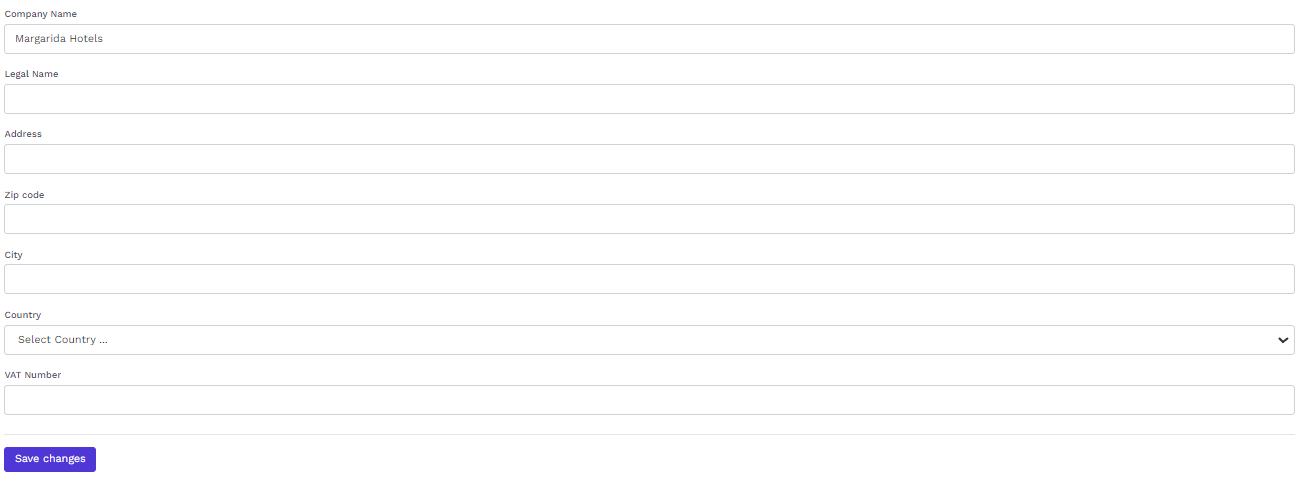
- Click on the "Save changes" button
![logo icon white.png]](https://help.hijiffy.com/hs-fs/hubfs/logo%20icon%20white.png?height=40&name=logo%20icon%20white.png)
You can add/edit your company details in the console: