![logo icon white.png]](https://help.hijiffy.com/hs-fs/hubfs/logo%20icon%20white.png?height=40&name=logo%20icon%20white.png)
You can add any notes you want to a conversation. Notes added are visible to all agents with access to that conversation.
These notes are internal only, they are not visible to the users/guests.
There are different views/functionalities according to your subscription:
Basic
Pro, Premium & Entreprise
- Mention an agent on your note
Basic
Add a note
To add a note to a conversation:
- Select the conversation;
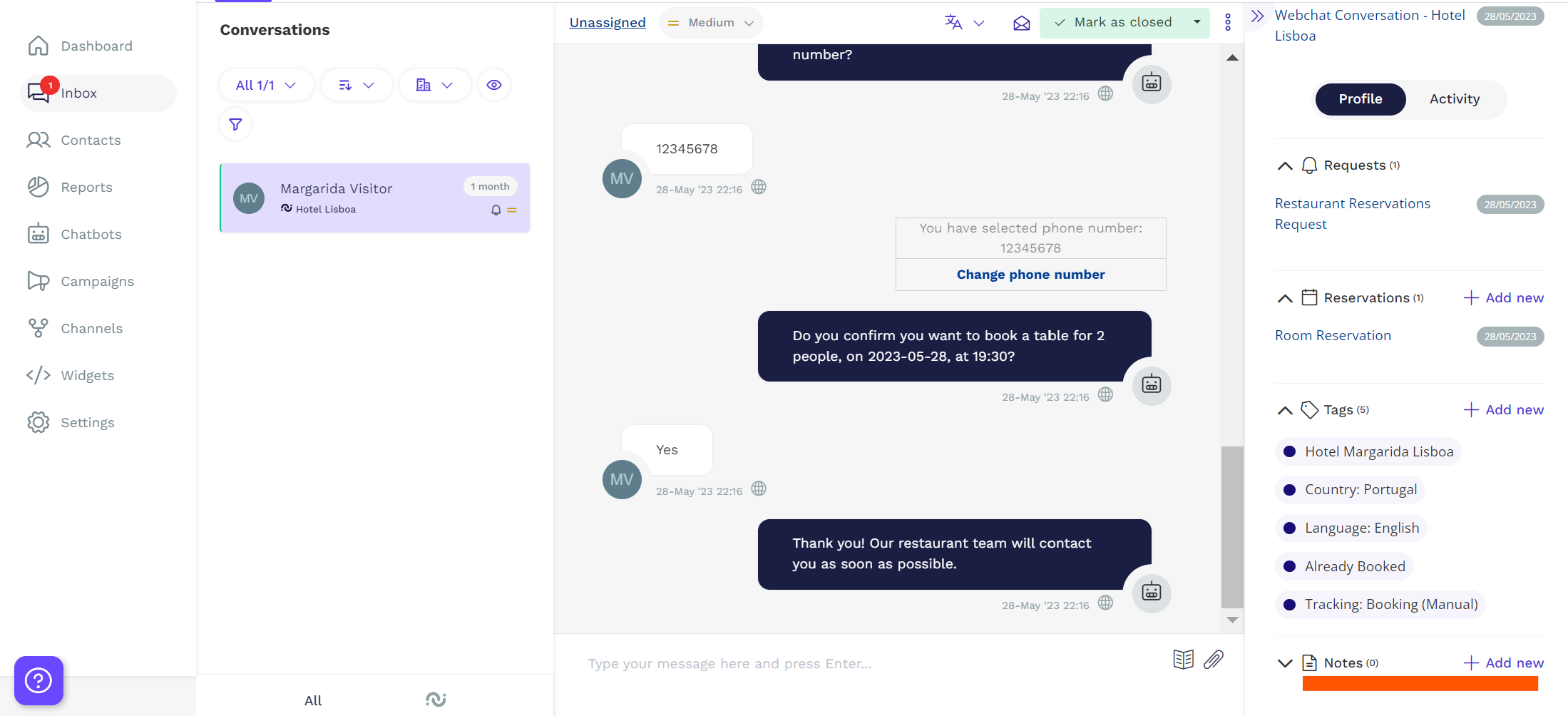
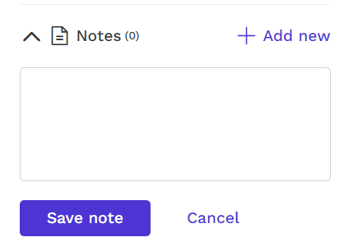
- On the 'Profile' pane, in the 'Notes' section, click on the '+ Add new' link;
- Write your note and click 'Save note'
Delete a note
To delete a note from a conversation:
- Select the conversation;
- On the 'Profile' pane, in the 'Notes' section, locate the note you want to remove;
- Click on the red icon on the right side of the note.

Pro, Premium & Entreprise
Add a note
To add a note to a conversation:
- Select the conversation;
- On the 'Profile' pane, in the 'Notes' section, click on the '+ Add new' link;
- Write your note and click 'Save note'
Delete a note
To delete a note from a conversation:
- Select the conversation;
- On the 'Profile' pane, in the 'Notes' section, locate the note you want to remove;
- Click on the red icon on the right side of the note.
Mention an Agent on your Note
To mention an agent on your note:
Inside of the note insert "@" and a list of agents will appear for you to choose from.

Select the agent and then type your message.

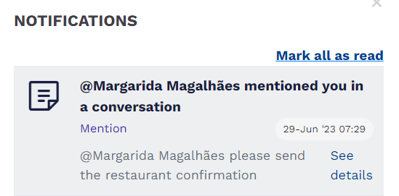
The agent you have selected will receive a notification with the details "See details" to be redirected to the conversation